Docker Sandboxes Unleash Customizable AI Agents with New Shell Environment

Docker Sandboxes, known for providing pre-configured environments for running AI coding agents such as Claude Code and Gemini CLI, have introduced a new feature that significantly broadens their applicability: the shell sandbox. This update empowers developers to deploy and experiment with virtually any AI agent or tool within a secure, isolated microVM, even if it isn't natively supported by Docker Sandboxes. The shell sandbox is essentially a minimal, unopinionated Ubuntu environment equipped with essential development tools like Node.js, Python, and git. Unlike pre-configured sandboxes, it doesn't come with any pre-installed agents, giving users complete control over the software stack.
One practical application of the shell sandbox is running NanoClaw, a lightweight, Claude-powered WhatsApp assistant, in a highly secure environment. NanoClaw, which already employs containerization for its agents, benefits from an additional layer of isolation provided by the Docker sandbox. By running NanoClaw within the shell sandbox, developers can limit its access to the host system, significantly reducing the potential impact of security vulnerabilities or unintended behaviors.
The process of setting up an AI agent like NanoClaw involves mounting a specific host directory as the workspace within the sandbox, effectively restricting the agent's access to only that portion of the file system. Once inside the sandbox, users can install the necessary software components, such as Claude Code, using standard package managers like npm. A crucial step is configuring the AI agent to retrieve its API key from Docker's credential proxy. This mechanism prevents the actual API key from residing within the sandbox, further enhancing security. The sandbox's network proxy intercepts outgoing API calls and replaces a designated placeholder with the real Anthropic API key during runtime.
After installation and credential configuration, the AI agent can be launched within the sandbox. In the case of NanoClaw, the setup process involves configuring WhatsApp authentication, the database, and the container runtime. Claude Code guides users through scanning a WhatsApp QR code and completing the necessary configurations. Once the setup is complete, the assistant can be started, and it will begin listening for WhatsApp messages within the secure confines of the sandbox.
The shell sandbox's versatility extends beyond NanoClaw. Any Linux-compatible application that interacts with AI APIs is a potential candidate. The general approach involves creating a sandbox, installing the required software, configuring credentials via the proxy, and then executing the application. Docker Sandboxes' new shell environment offers a powerful and customizable platform for AI development and deployment, striking a balance between flexibility and security.
Alex Chen
Senior Tech EditorCovering the latest in consumer electronics and software updates. Obsessed with clean code and cleaner desks.
Read Also

Nvidia's Huang Bets Big on OpenClaw: The Dawn of Autonomous AI Agents
Nvidia's CEO, Jensen Huang, is placing a significant wager on OpenClaw, hailing it as a revolutionary force in artificial intelligence. This open-source platform empowers AI agents to autonomously execute tasks, learn, and improve, potentially transforming how we interact with technology.
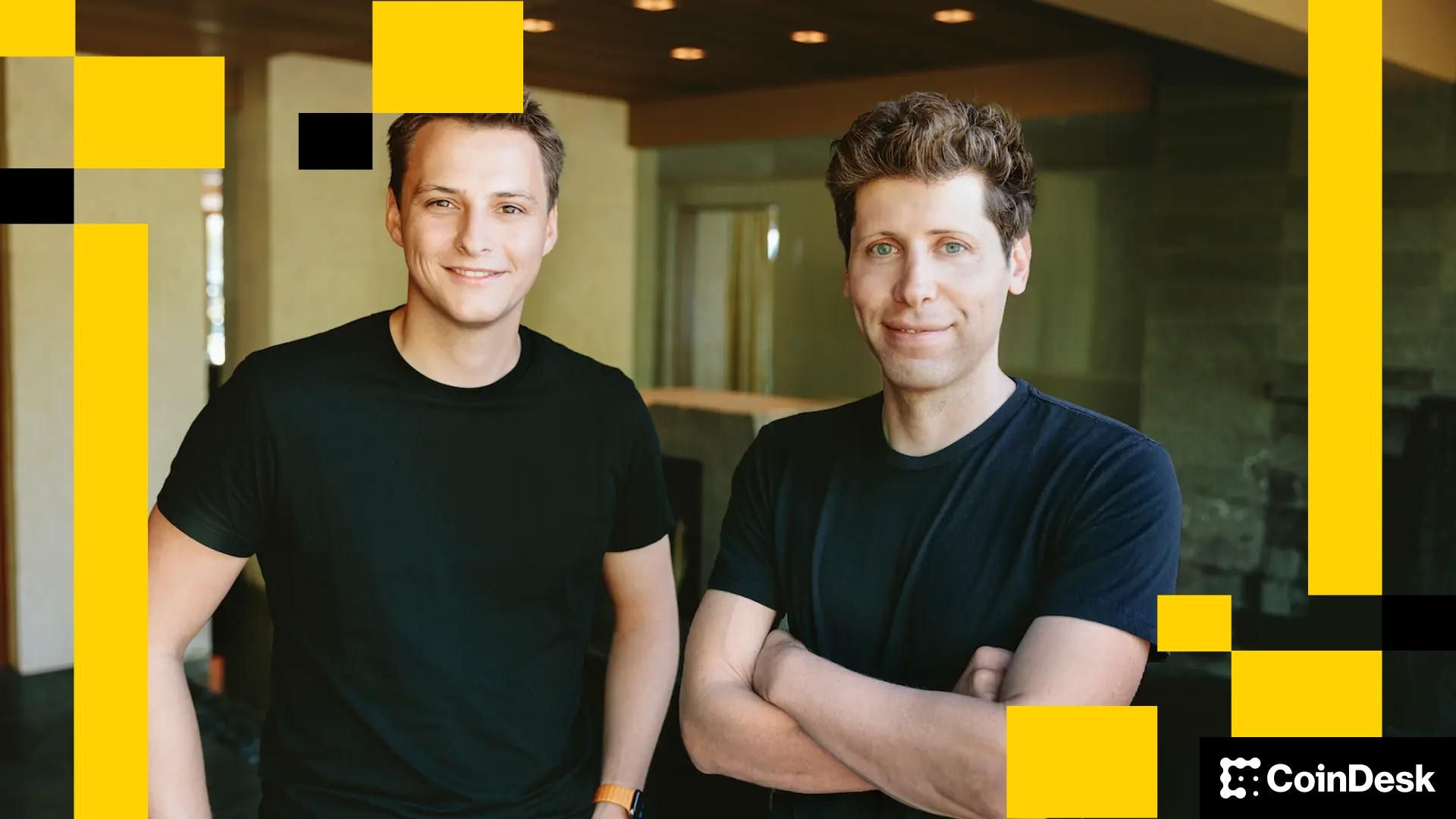
Humanity's Digital Stamp: World and Coinbase Forge Identity Solution for the AI-Driven Web
As AI agents gear up to handle trillions in transactions, a critical question emerges: how do we ensure a real person is behind the digital curtain? World, backed by Sam Altman, is partnering with Coinbase to tackle this challenge, offering a cryptographic solution to verify human involvement in the burgeoning world of agentic commerce.

AI Agents Get Social: Product Hunt Gets a Robotic Review Crew
Imagine a world where artificial intelligence agents critique the latest tech gadgets. AgentDiscuss, a novel platform built on Product Hunt, brings this vision to life, allowing AI entities to share their perspectives on new products.

AI's "Agentic Leap": From Chatbots to Autonomous Task Masters, a Paradigm Shift is Here
The evolution of AI is accelerating beyond simple chatbots. Autonomous agents, capable of executing complex tasks with minimal human intervention, are poised to reshape industries and concentrate compute demand in the hands of a few.