“I haven’t written a single line of front-end code in 3 months”: How Notion’s design team uses Claude Code to prototype
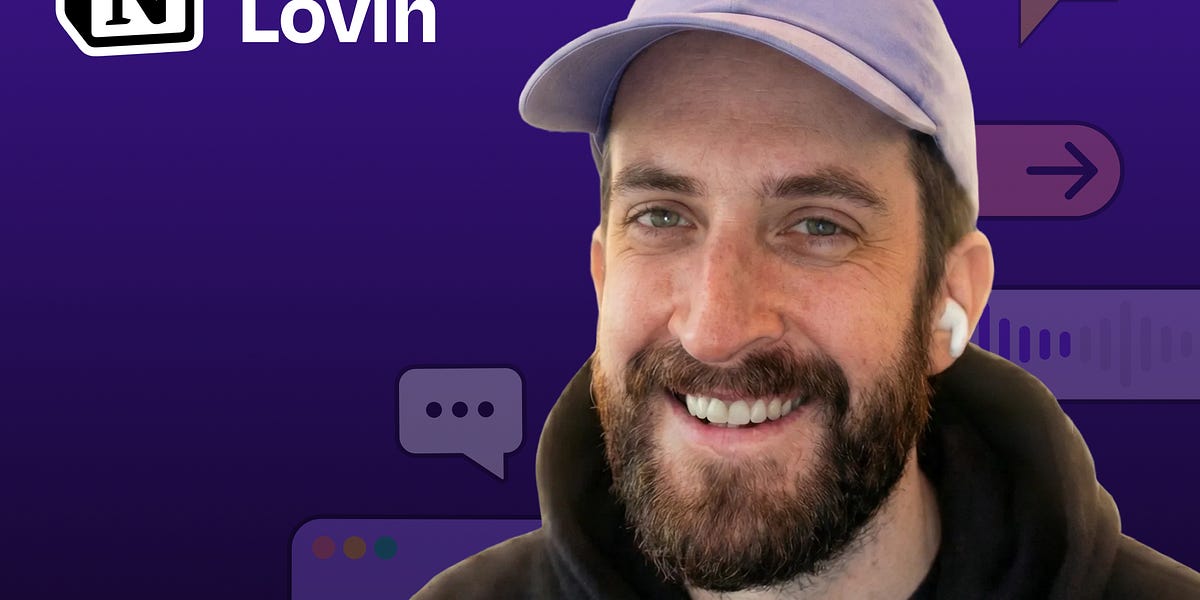
Brian Lovin is a designer at Notion AI who has transformed how the design team builds prototypes, by creating a shared code environment powered by Claude Code. Instead of designers working in isolated repositories or limited to static Figma designs, Brian built a collaborative “prototype playground” where the entire team can create, share, and iterate on functional prototypes. In this episode, Brian demonstrates how AI-assisted coding has dramatically accelerated the design process and why code-based prototyping is essential for building AI-powered products.
Listen or watch on YouTube, Spotify, or Apple Podcasts
How Brian built a shared Next.js app that serves as a collaborative prototyping environment for Notion’s design team
Why encountering “reality” early in the design process leads to better products
How to use Claude Code’s “plan mode” to get better results when prototyping
The power of custom Claude slash commands and skills to automate repetitive tasks
How to transform Figma designs into working code with a single prompt
Why AI-powered products can’t be effectively designed in static tools like Figma
Brian’s rule for working with AI: “When Claude asks you to do something, teach it to do that thing itself”
WorkOS—Make your app enterprise-ready today
Orkes—The enterprise platform for reliable applications and agentic workflows
(00:00) Introduction to Brian
(02:36) Building for B2B SaaS
(04:42) Notion’s prototype playground: what it is and how it works
(08:01) The technical background of designers using the playground
(10:52) Demo: building a podcast player prototype
(16:00) Actionable tips for better Claude Code results
(20:16) Analyzing the result
(20:30) Creating slash commands to simplify the workflow
(23:03) Turning Figma designs into production-ready code
(25:06) MCP frustrations and tips
(30:54) Demo: creating a custom “find icon” skill
(35:03) Demo: Creating a deploy command to simplify GitHub workflows
(41:09) Quick recap
(41:59) How code-based prototyping is changing design at Notion
(46:48) Brian’s tool preferences
(48:42) Prompting techniques when AI is not listening
• Claude Code: https://claude.ai/
• Cursor: https://cursor.sh/
• Next.js: https://nextjs.org/
• Figma: https://figma.com/
• Monologue: https://www.monologue.to/
• GitHub: https://github.com/
• GitHub Desktop: https://desktop.github.com/
• Tailwind CSS: https://tailwindcss.com/
• Bun: https://bun.sh/
• Claude Skills explained: How to create reusable AI workflows: https://www.lennysnewsletter.com/p/claude-skills-explained
Website: https://brianlovin.com/
LinkedIn: linkedin.com/in/brianlovin
X: https://twitter.com/brian_lovin
ChatPRD: https://www.chatprd.ai/
Website: https://clairevo.com/
LinkedIn: https://www.linkedin.com/in/clairevo/
X: https://x.com/clairevo
Production and marketing by https://penname.co/. For inquiries about sponsoring the podcast, email [email protected].
Marco Rodriguez
Startup ScoutFinding the next unicorn before it breaks. Passionate about innovation and entrepreneurship.